


peterborough computer training


# # # # #
This is an example of a HTML caption with a link.

SOCIAL MEDIA

Facebook, Twitter and other social networking sites are great for small businesses to promote themselves for free, and communicate with customers. Both Twitter and Facebook are ideal for issuing periodic and real-time announcements for new products, services and discounts.

PHOTOGRAPHY

Do you want to learn how to use your digital camera, create a professional or profile photo, crop and enhance photos on your computer or scan old photographs? We'll help you become picture perfect.

MULTI MEDIA

Whether you want to set up your own YouTube account and record video for your business, import songs or watch old movies and hear your favorite tunes, we can help you get the max from media.

COMMUNICATION

Email and VOIP (Voice over IP) Communication is time- and cost-saving, but many do not use it to the fullest advantage. Learn how to set up email rules and internet-only phone lines with video.

SAFE SURFING

While researching, working, and communicating online are all easy to learn, it's important to safeguard your personal information while you do so. We'll work with you to keep your information private, conduct safer searches and make social pages (e.g. Facebook) more secure.


welcome to Peterborough PC!


ABOUT

PETERBOROUGH PC was born of a hope to help small businesses and individuals reach their full online potential. We are happy to help small and large businesses as well as individuals in setting up or using computers and software, offer advice on computers, software and social networking and on developing a powerful online presence for profit or just for fun. We have learned to explain things simply and clearly, and to write things down for those who tend to forget.

  • COMPUTER

    Service, Setup, and Consulting

    #

    Peterborough PC offers
    in-house computer and peripheral installation, setup and migration for individuals and companies.
    We offer computer optimization, data backup, purchase consulting for computer or add-ons, and much more.

    If you need specialized training for yourself or your organization, or just need someone to call when you get stuck, we will be there.

  • TRAINING

    Computer & Software

    #

    We offer in-house computer and software training for local business, groups and individuals. From basic computer and email use, to support for many Mac and PC products including graphic-specific software, we will help you make the most of your purchase. If we can't help you, we can help you find someone who can. We offer patient and kind training to help you understand at your own learning level and speed.

  • WEBSITES

    & Social Media Creation/Updates

    #

    Integrated social media helps you connect with your customers or families in creative and profitable ways.

    A strong digital presence is an important part of any business. We design solutions that will help connect your organization with your audience. We have won awards for website design and will ensure you an excellent website outcome.

  • PHOTOS

    Photography
    and Video

    #

    We can help you use your digital camera, download and crop photos, optimize photos and send or upload your finished product via email, smartphone or post to a website or social media. If you want us to come along on a photo shoot to help, we can do that too.

    We also do original digital photography and video, as well as photo and video editing.


SERVICES

Services: Setting up a new Mac or PC, train in basic computer usage, training in social media (Facebook, Twitter, Skype, Linkedin), computer or mobile device setup, setting up email services, remove spam, add peripherals such as printer, scanner, set up internet services.

We do not:
Install gaming systems or servers, repair computer parts or smartphones.


Social Media setup and consulting
Facebook, Twitter, LinkedIn, Blogs, Feedback Forms, and more!

Whether for fun or profit (or both!), social media is a great way to connect with others. For small businesses, it can be a main lead-generator. For larger businesses, it is a valuable communication tool. For individuals, it's a great way to express one's thoughts or let others know of current events.

We can help you set up or improve your online image, teach you how to use extra features such as business pages on Facebook and Linkedin, create an entire online makeover, and consult with proper usage and online safety.

My Poems - VOL. 1 - image 5
Please, read this Poetry for image 5.

The standard Lorem Ipsum passage, used since the 1500s "Lorem ipsum dolor sit amet, consectetur adipisicing elit, sed do eiusmod tempor incididunt ut labore et dolore magna aliqua. Ut enim ad minim veniam, quis nostrud exercitation ullamco laboris nisi ut aliquip ex ea commodo consequat. Duis aute irure dolor in reprehenderit in voluptate velit esse cillum dolore eu fugiat nulla pariatur. Excepteur sint occaecat cupidatat non proident, sunt in culpa qui officia deserunt mollit anim id est laborum." Section 1.10.32 of "de Finibus Bonorum et Malorum", written by Cicero in 45 BC "Sed ut perspiciatis unde omnis iste natus error sit voluptatem accusantium doloremque laudantium, totam rem aperiam, eaque ipsa quae ab illo inventore veritatis et quasi architecto beatae vitae dicta sunt explicabo. Nemo enim ipsam voluptatem quia voluptas sit aspernatur aut odit aut fugit, sed quia consequuntur magni dolores eos qui ratione voluptatem sequi nesciunt. Neque porro quisquam est, qui dolorem ipsum quia dolor sit amet, consectetur, adipisci velit, sed quia non numquam eius modi tempora incidunt ut labore et dolore magnam aliquam quaerat voluptatem. Ut enim ad minima veniam, quis nostrum exercitationem ullam corporis suscipit laboriosam, nisi ut aliquid ex ea commodi consequatur? Quis autem vel eum iure reprehenderit qui in ea voluptate velit esse quam nihil molestiae consequatur, vel illum qui dolorem eum fugiat quo voluptas nulla pariatur?"


BLOG

About this Blog
We may be busy with customers, but will have something new to read each month!

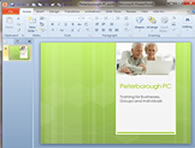
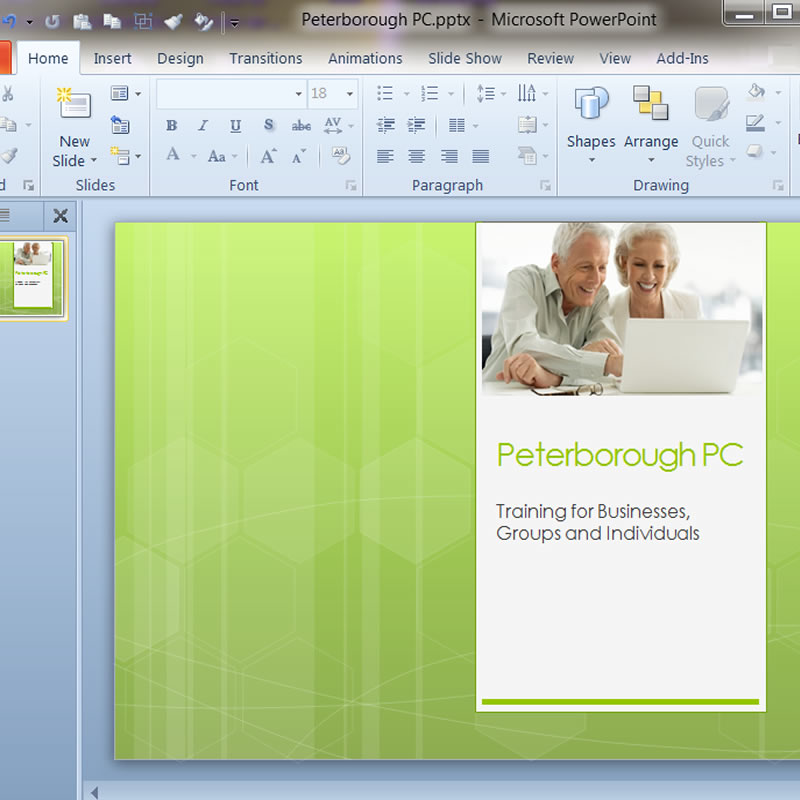
TRAINING OUR SENIOR CITIZENS

AUTHOR: WEBBY // CATEGORY: SENIORS

0 COMMENTS

Computers can be overwhelming, particularly for those who did not grow up with computers, smartphones, iPads, and digital cameras. However, with proper one on one instruction and some patience, it is tremendously rewarding for seniors to learn to email, surf the net and learn some software skills. Learning to use the computer can mean staying in touch with family, becoming or remaining employable, keeping up with important health information, learning a new hobby and furthering education. Here are a few tips to get you started - based on training Senior Citizens of all experience levels.

First, teach them about the basic parts of the computer. Do not overwhelm them with anything more involved at first. The computer is introduced, then the monitor and the mouse (with which they can practice pointing and clicking). The keyboard is next; teach the basics... no confusing combinations at this point.

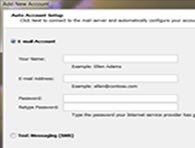
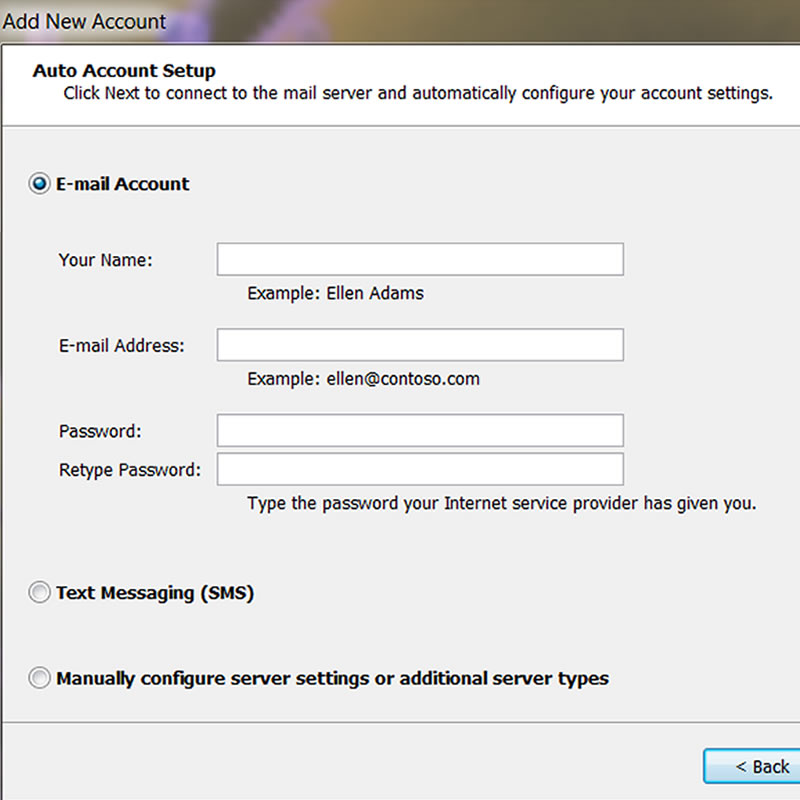
The next step is to help them set up an email account. A free account such as Yahoo or gmail will be fine. If the senior is working with a family member, they may have some family email addresses to start with. Sending and replying to email is not obvious to many seniors - most need to be shown how.

Next, go over some Internet basics. Show them how to conduct a search, but be sure their safety settings are set properly first. Lead them to a few sites that will further their interest - something related to their hobbies and experience. Teach them about ads, pop ups, and invasive questions - most are naturally wary and will understand that they are not to give out information without a good reason.

If they are not overwhelmed and not rushed, they'll learn that the computer is a fun piece of machinery and not something to be feared. They'll soon be wanting to learn more.


CONTACT

Address || Peterborough, NH 03458

Telephone || (603) 505-8114